Overview
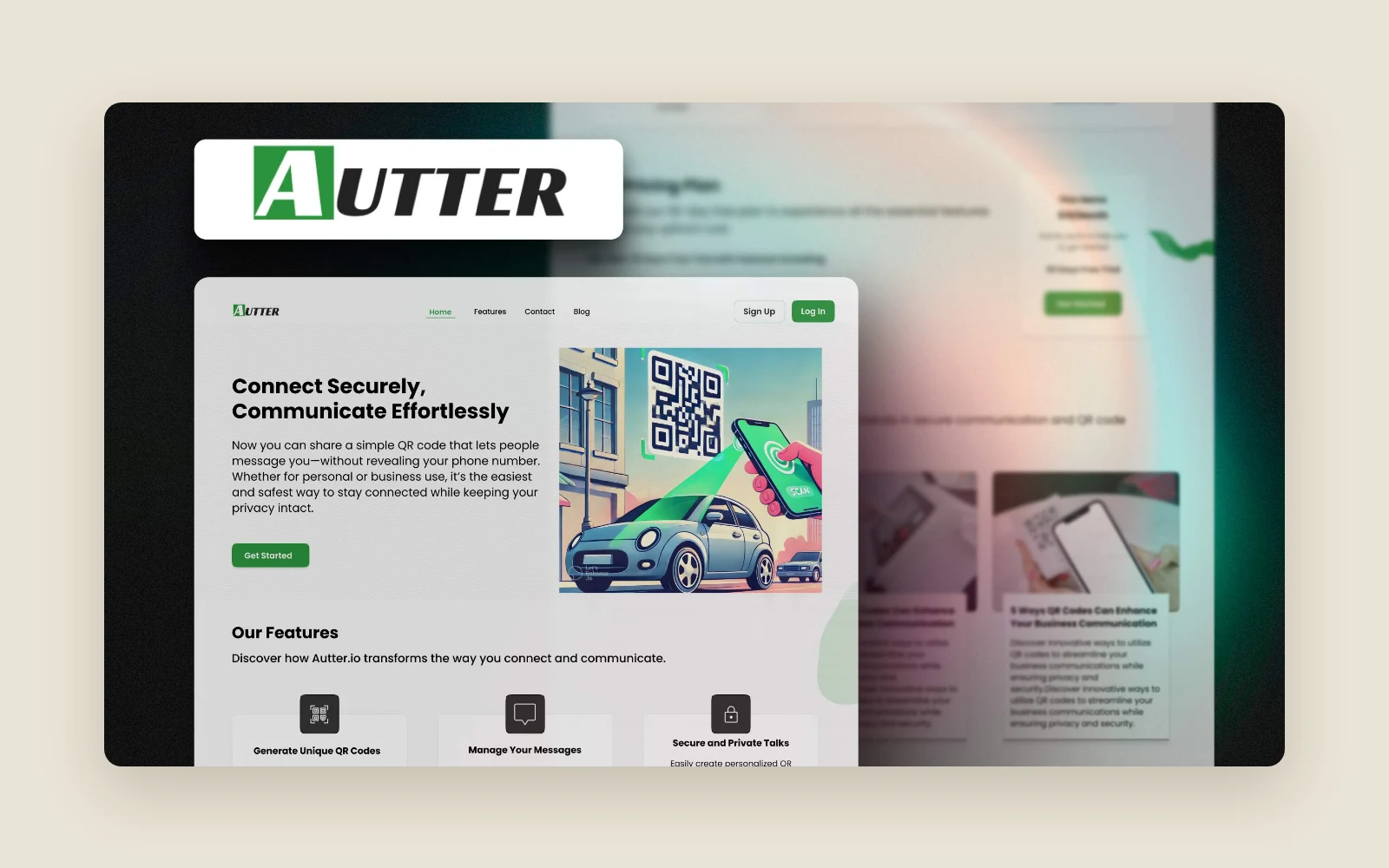
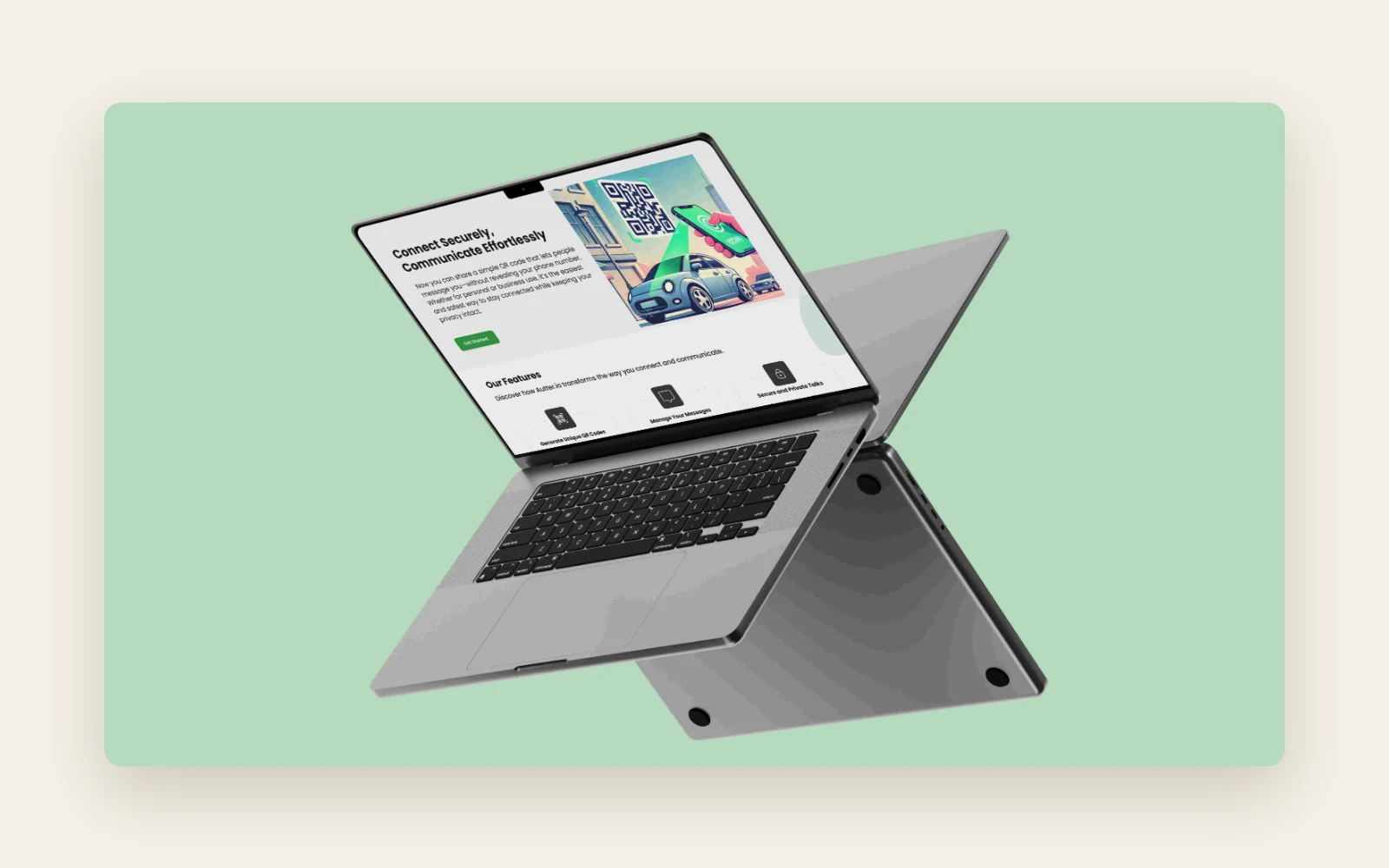
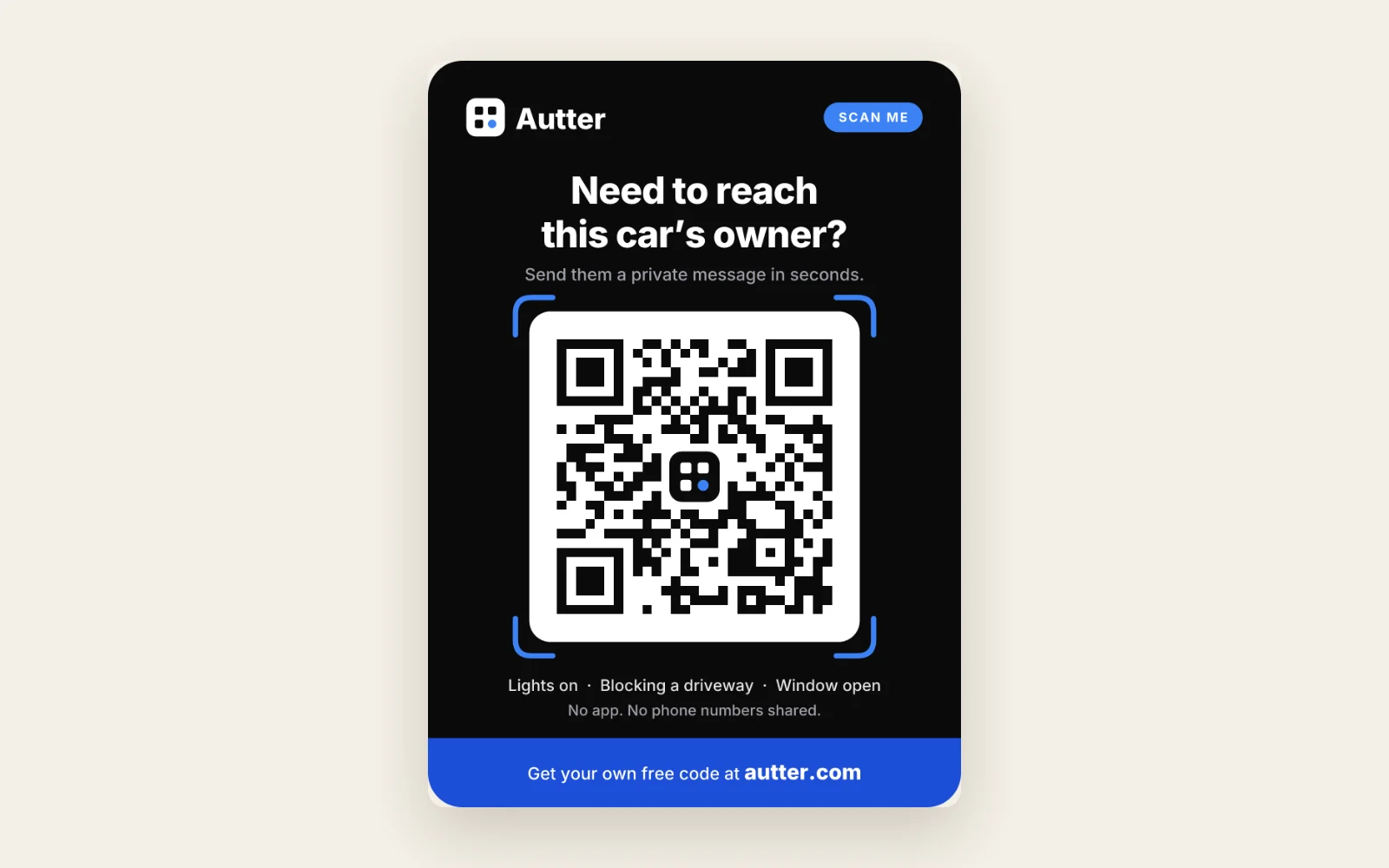
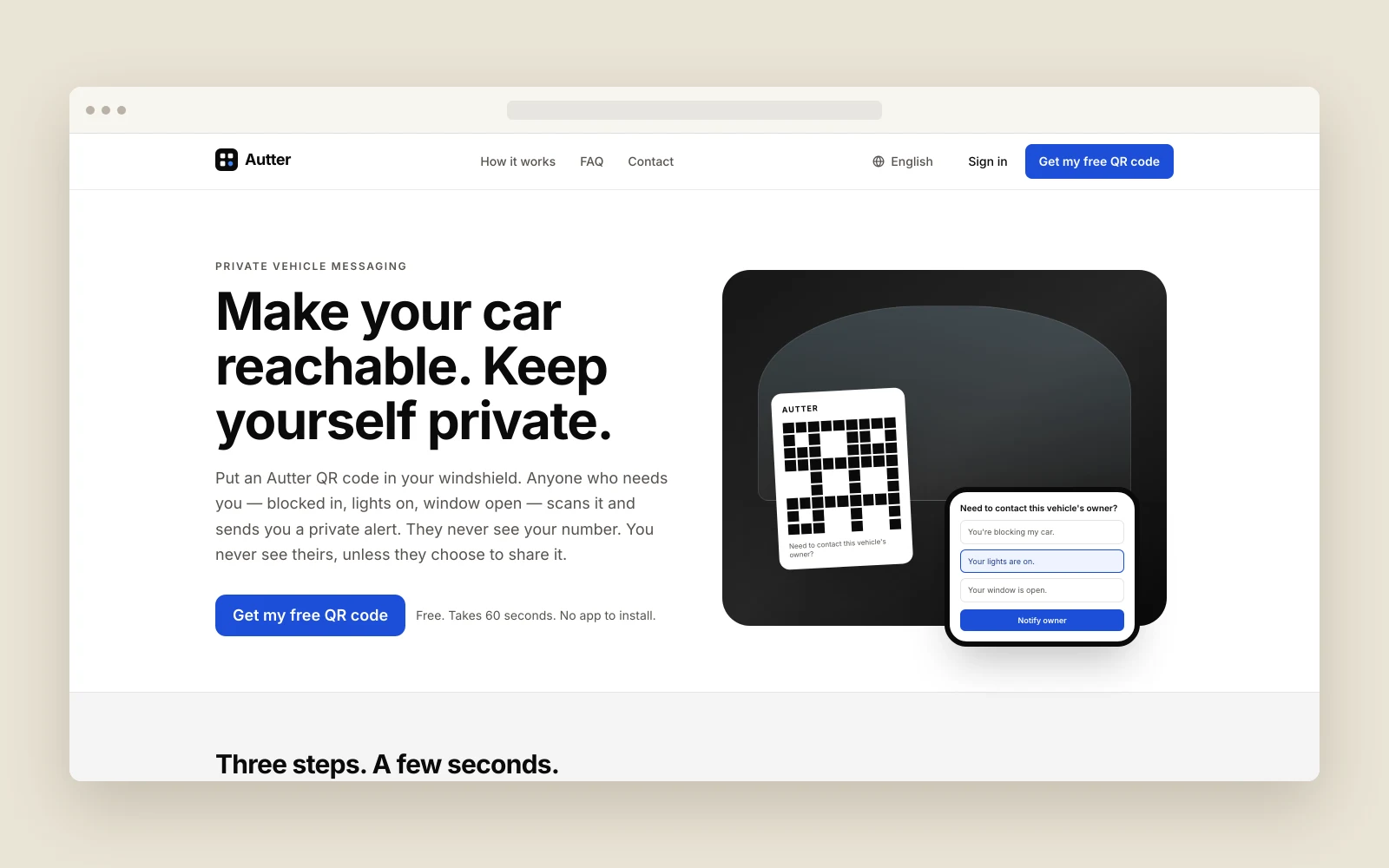
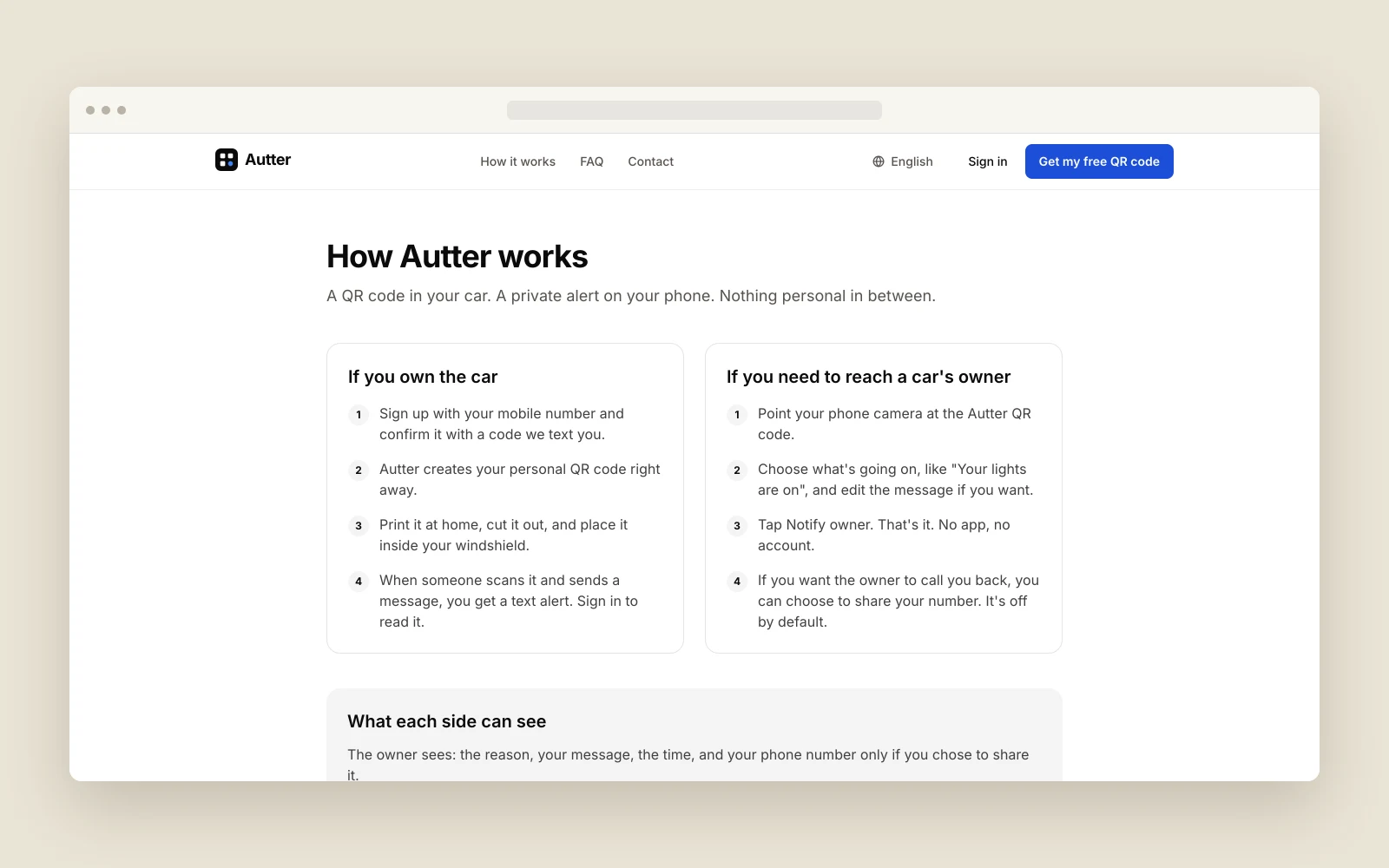
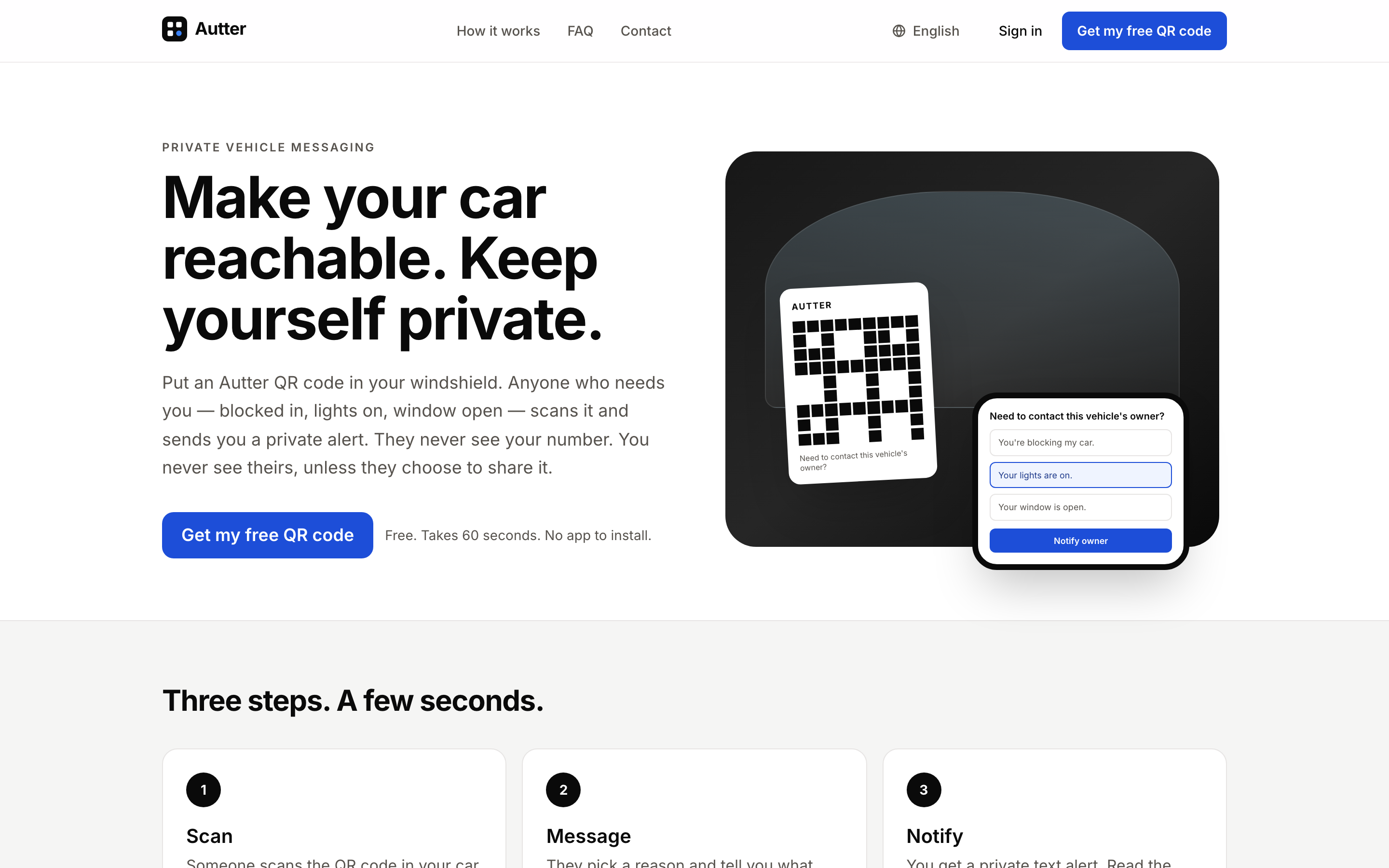
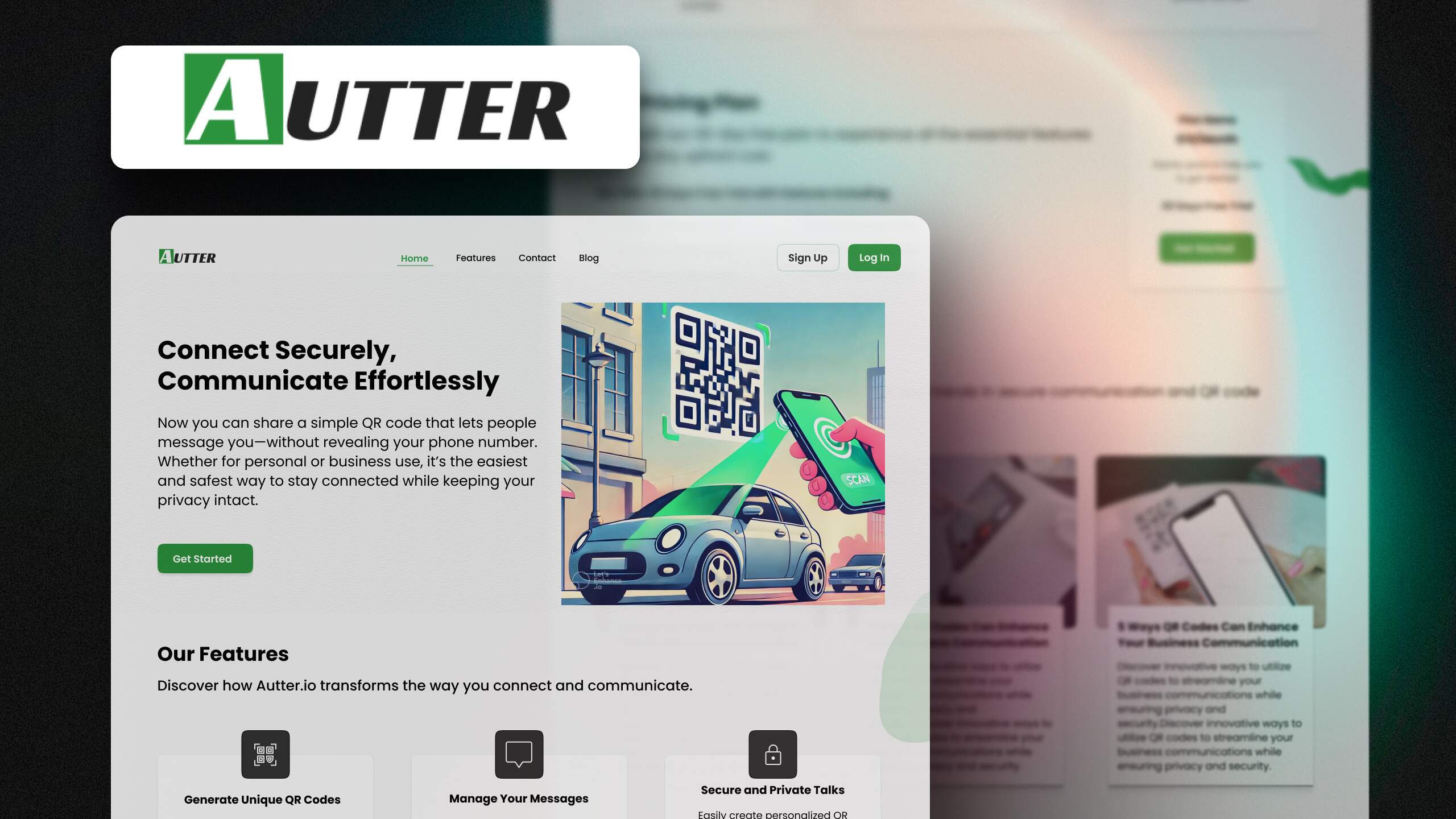
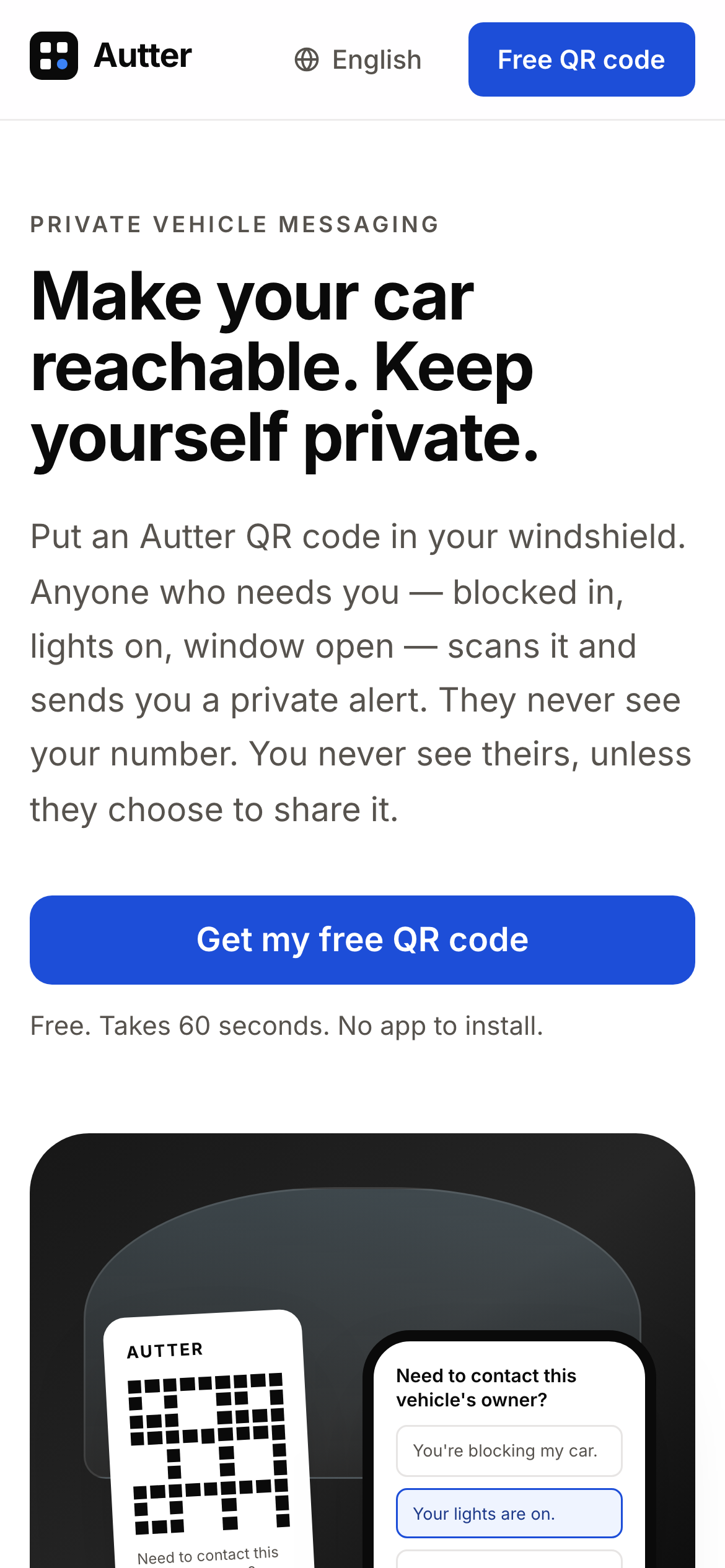
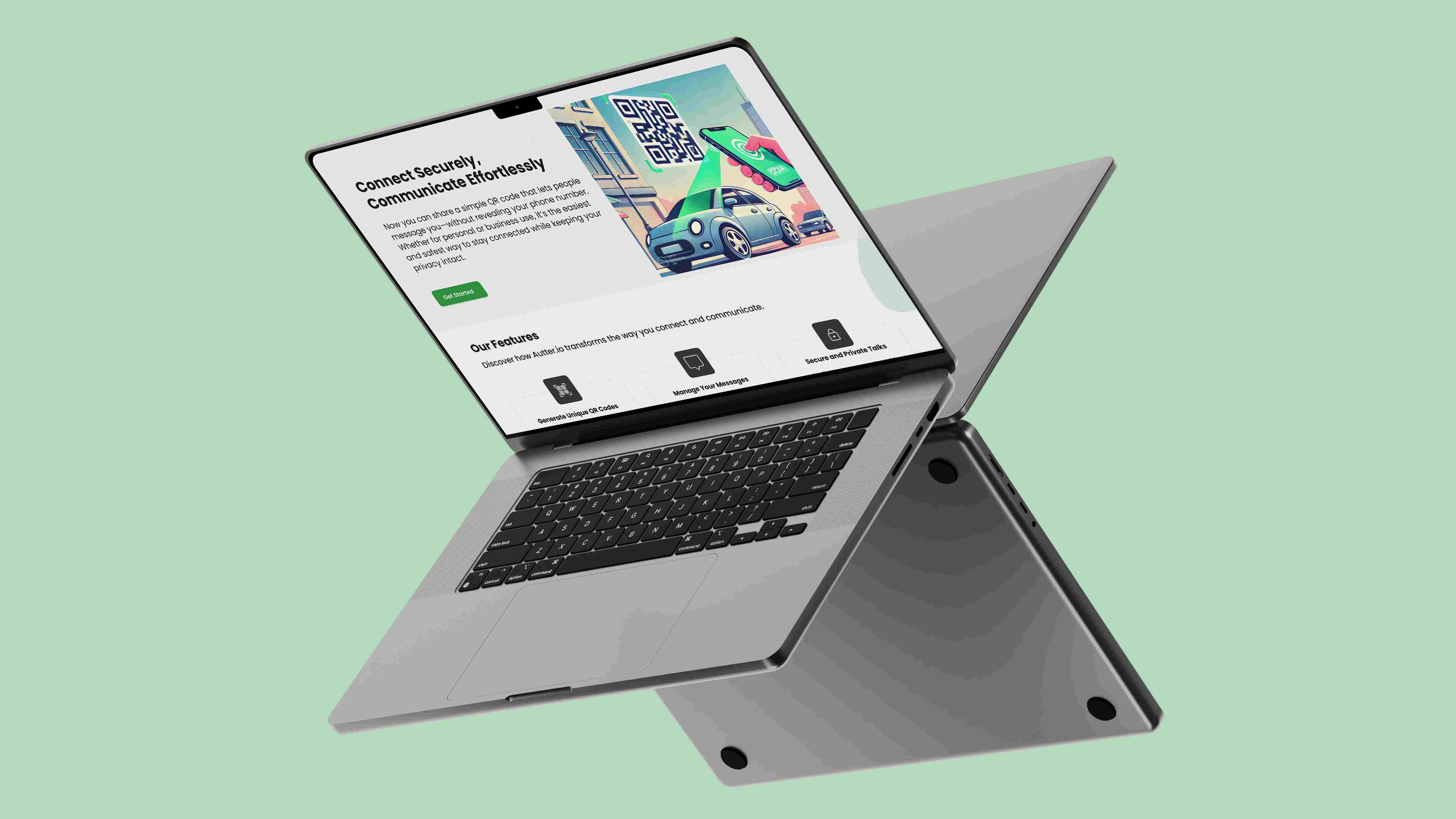
Autter gives vehicle owners a printable QR code for their windshield. Someone standing by the car can scan the code and send a private message about the vehicle. The owner gets an alert and can read the message in an inbox.
Barq took the bootstrapped founder’s idea from design and architecture to a deployed web MVP. The build covered owner accounts, QR codes, the mobile messaging flow, notifications and subscription billing.
The problem
If a parked car is blocking an exit, its headlights are on or a window has been left open in the rain, the person who notices needs a way to reach the owner. A note on the car only helps once the driver returns. Displaying a phone number makes it visible to anyone who walks past. Autter’s founder wanted the car to be reachable while keeping both parties’ phone numbers private. The owner needed to set up the code in advance, and the person scanning it needed a quick way to explain what was happening from their phone.
The challenge
Route messages from a public sticker
Each code needed to lead to the right owner’s inbox even though it would be displayed in public. The app had to identify the account to notify without exposing the owner’s contact details to the person scanning the code.
Design for two different participants
The person standing at the car needs a short form they can use on the spot. The owner needs account tools to get the code, an alert away from the vehicle and a place to find the message later.
Support alerts beyond the inbox
An inbox alone requires the driver to check the app. The build also needed to deliver notifications through SMS and email while preserving the same privacy boundary between sender and owner.
How we approached it
Design the owner and sender flows
Barq designed the experience in Figma, covering account setup, QR code download and the mobile form opened by a scan. A printable sticker connected that account setup with the message someone would send at the vehicle.
Build the messaging and notification path
Barq built the responsive frontend and the Django backend that tied the code to the right account. The build used tokenized message threads and encrypted message storage, with Twilio and SendGrid handling SMS and email delivery.
Complete the MVP for deployment
Barq integrated Stripe for subscriptions, billing and upgrades, and added a blog for QR code guidance. We deployed the web app on DigitalOcean.
What we built
Personal QR codes
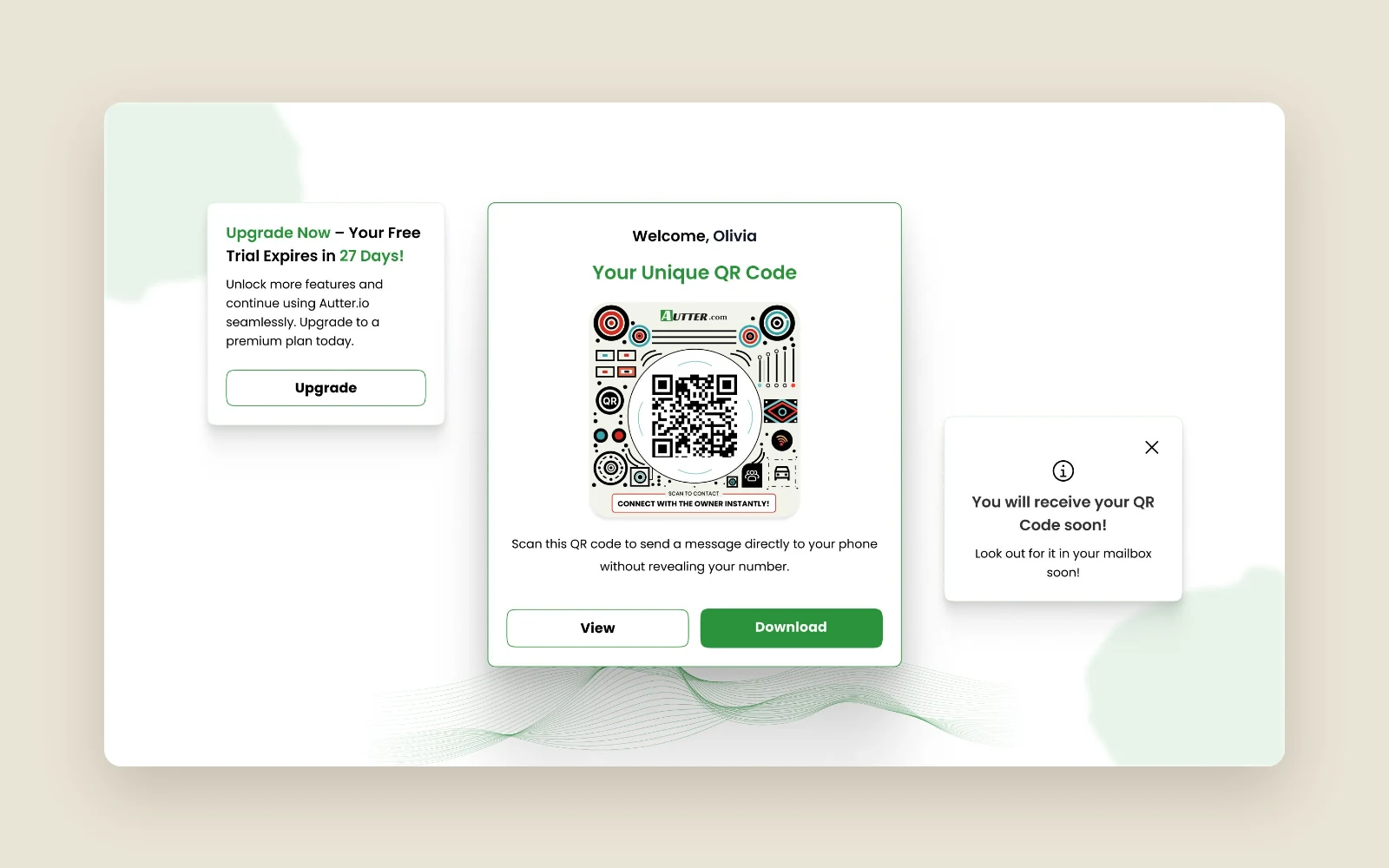
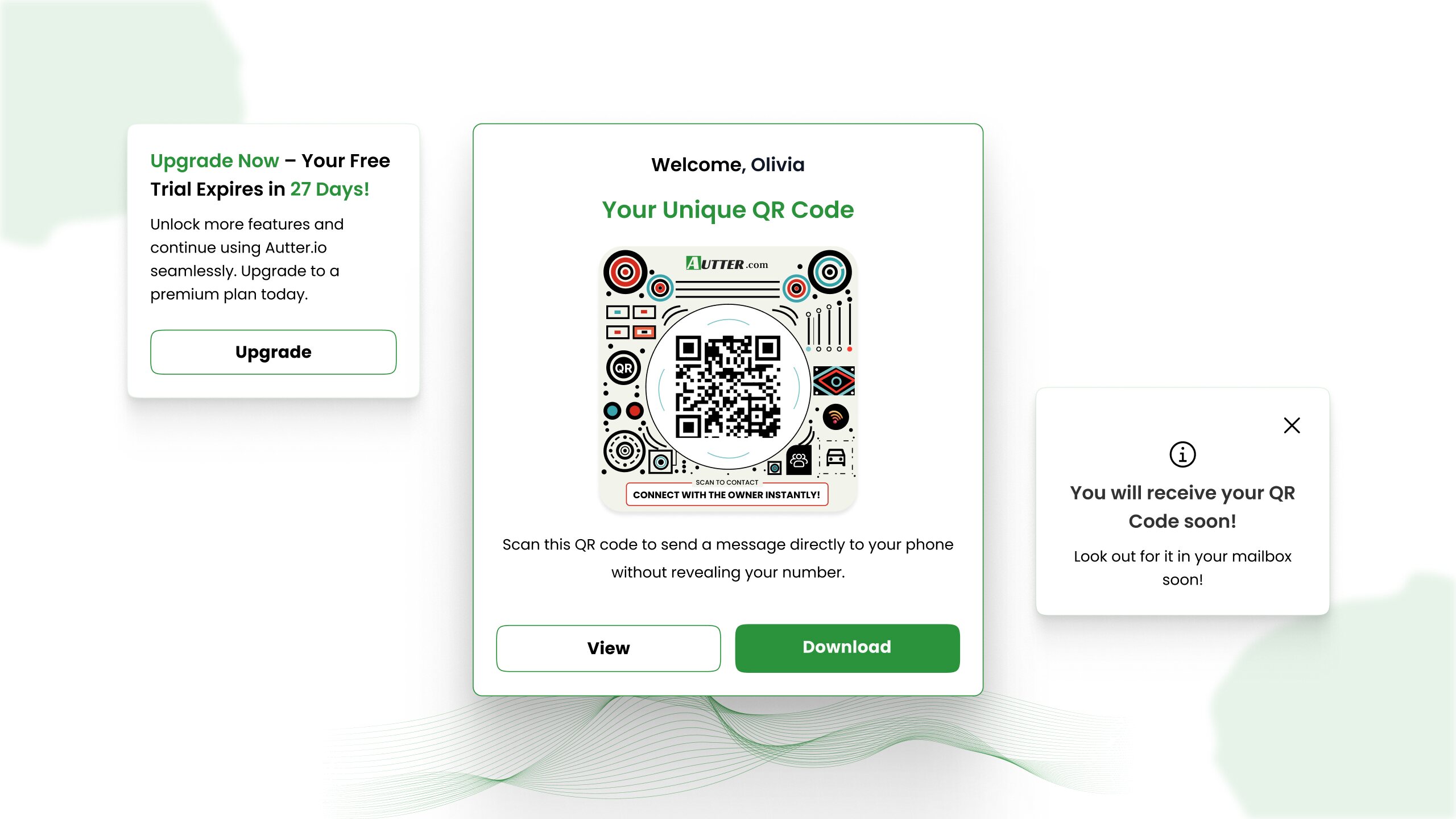
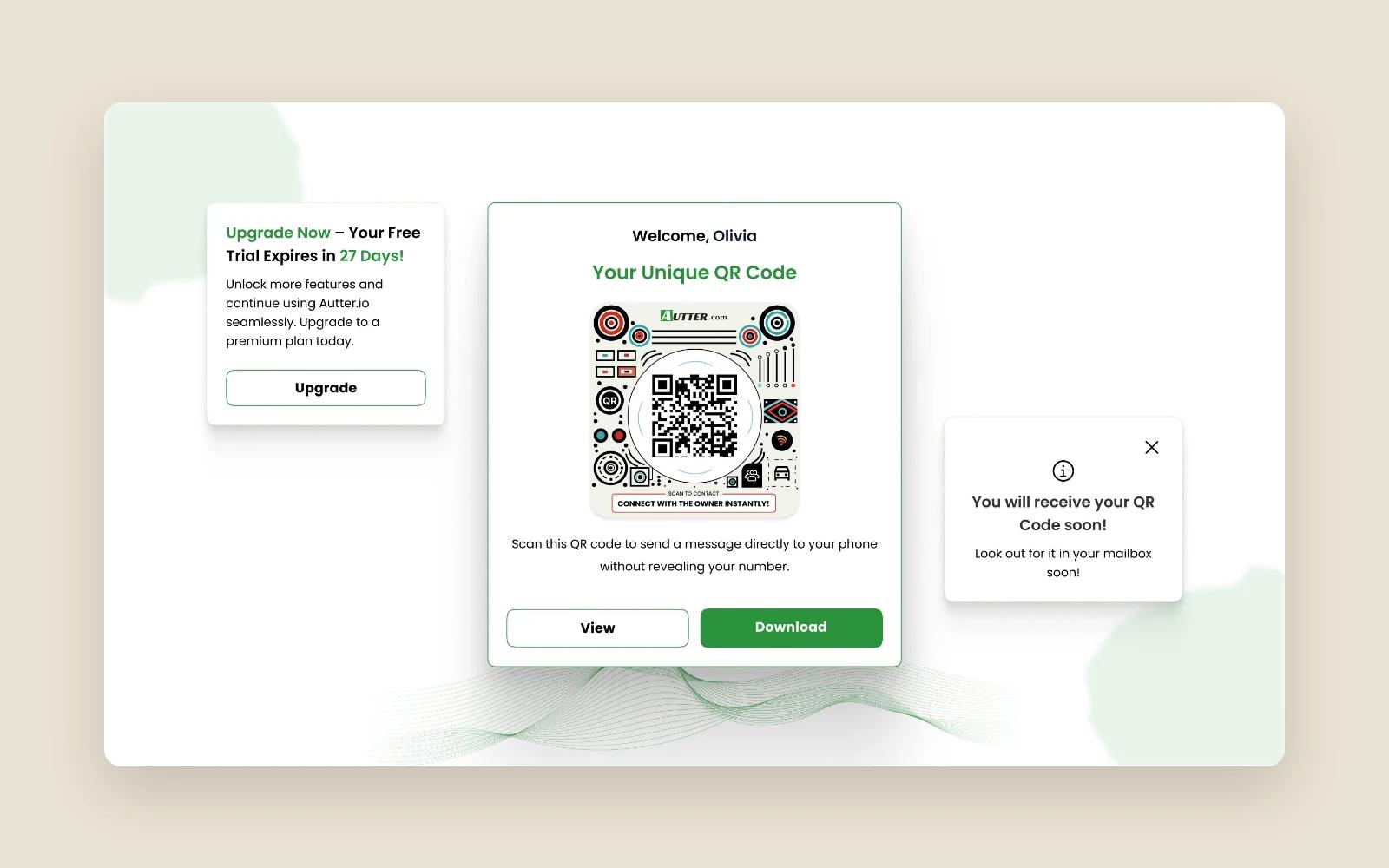
The owner could set up an account, download a unique QR code and print it for the car. The code gives someone at the vehicle a way to open the contact form on a phone.
Private message form
Scanning the sticker opens a web form for contacting the owner. Autter routes what the sender writes to the associated account without sharing either party’s phone number.
Owner inbox
Drivers had a dedicated place to see messages about their vehicle. The original MVP supported two-way threads in the inbox, while the captured public site describes a one-way alert flow.
Notifications and account email
The build used Twilio for text alerts, SendGrid for transactional and onboarding email, and notifications within the app.
Subscriptions and billing
Stripe supported recurring subscriptions and billing. The owner-facing product included a plan upgrade flow.
Results
- The founder received a deployed web MVP with a printable QR code for each owner.
- A person at the car could send an alert, and the owner could read it in a dedicated inbox without an exchange of phone numbers.
- The MVP supported paid subscriptions and plan upgrades through Stripe.
Under the hood
The mobile-responsive frontend used Next.js and React, and Django handled the backend on DigitalOcean. Tokenized threads let the app manage conversations internally while Twilio handled SMS delivery.
Tech stack
- Figma
- Next.js
- React
- Python
- Django
- Twilio
- SendGrid
- Stripe
- DigitalOcean