Overview
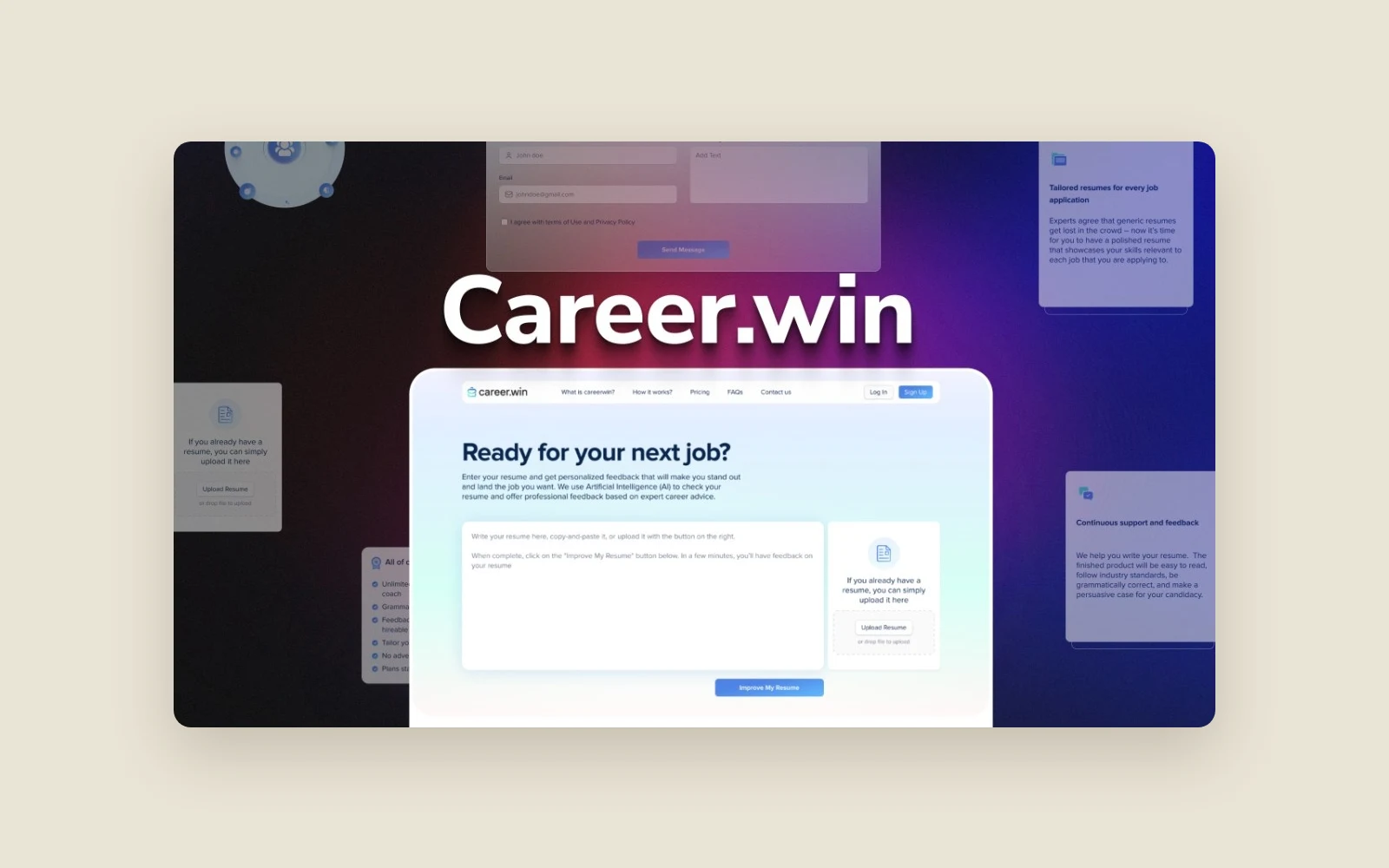
Career.win was a web app for job seekers revising a resume or preparing for a particular application. It started with the resume a person already had and provided feedback they could work through in an editor. A job posting could give the review more context.
Founder José González-Brenes brought Barq the idea. Barq designed and built the product, including the resume review workflow, related career tools, accounts and billing, and deployed it to the cloud. The product has since been discontinued.
Hammad and his team are among the best of them.
The problem
José wanted job seekers to see exactly where a resume could improve. A recommendation about wording or an achievement is easier to act on when the applicant can see the sentence it refers to. The product had to make that connection clear and give the applicant control over each change. He also wanted feedback to reflect the job a person had in mind. Some applicants would have a posting ready to share, while others would come in with just a resume. The review needed to be useful with either starting point.
The challenge
Locate the text behind each suggestion
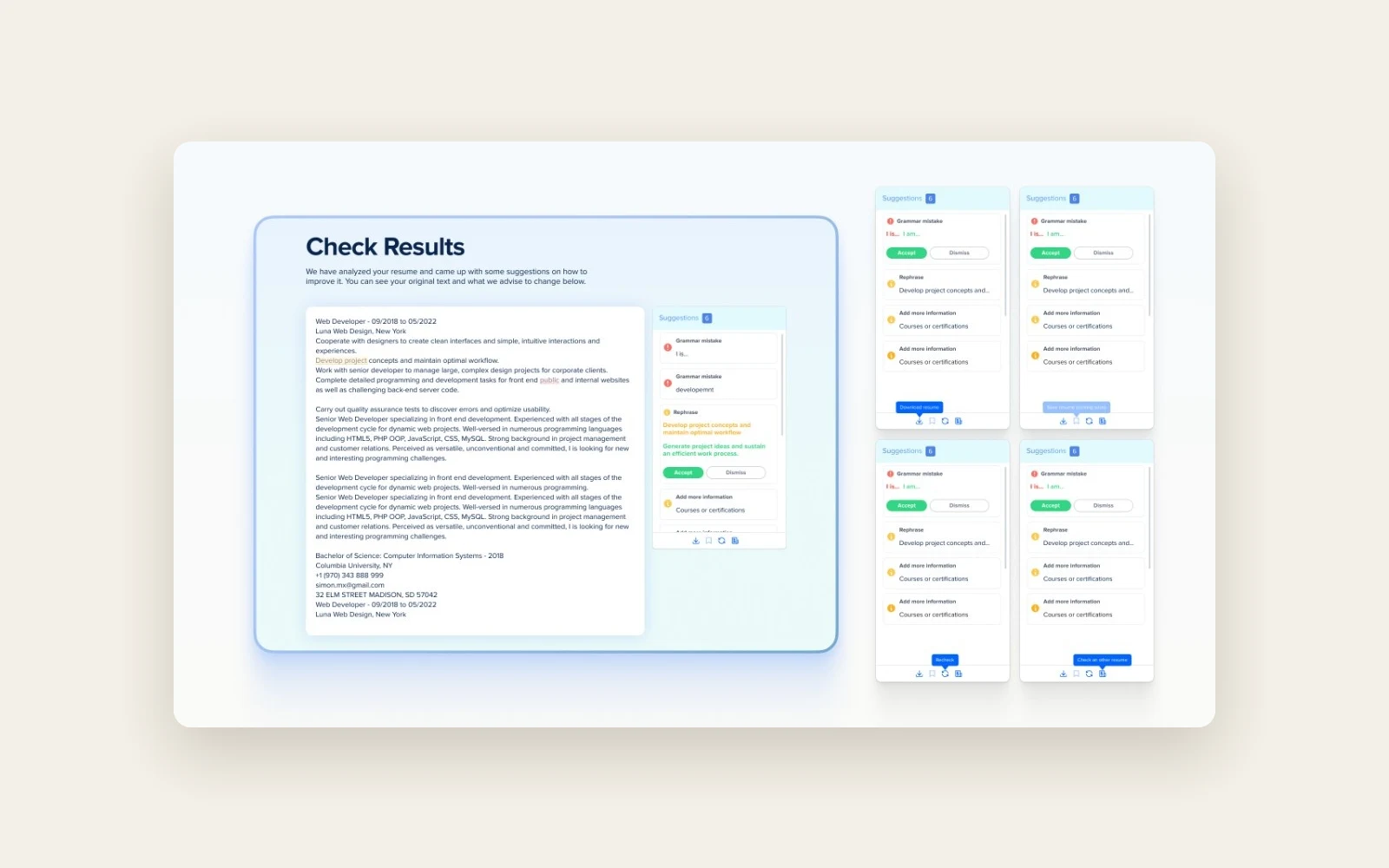
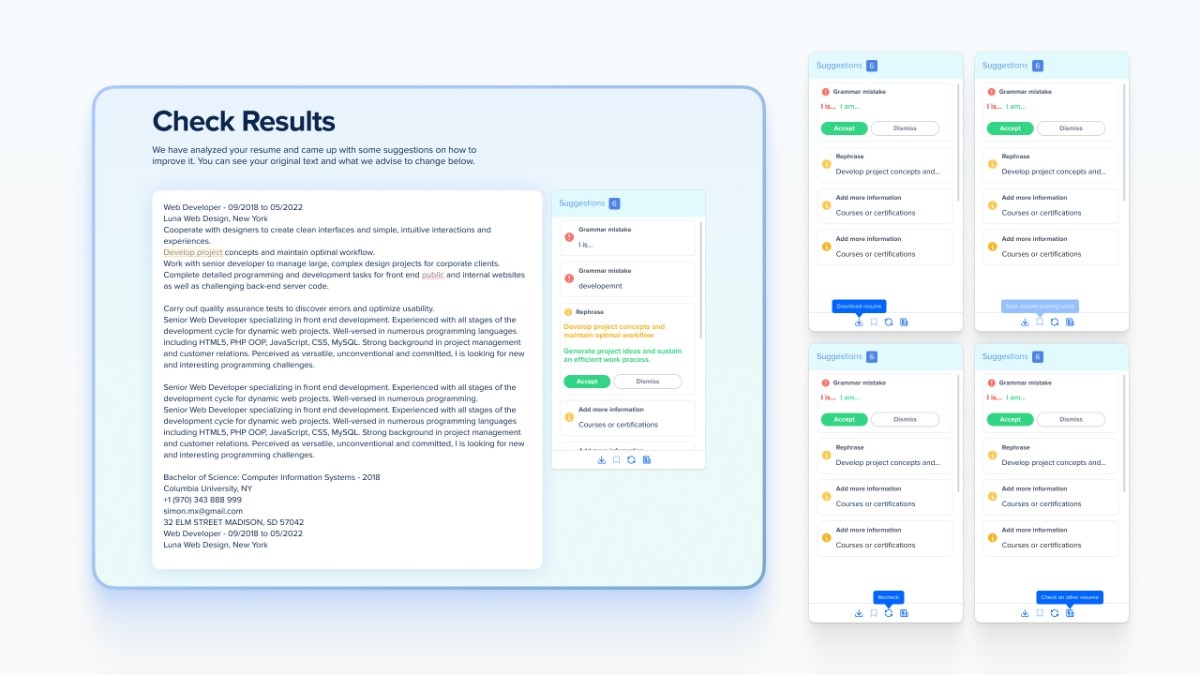
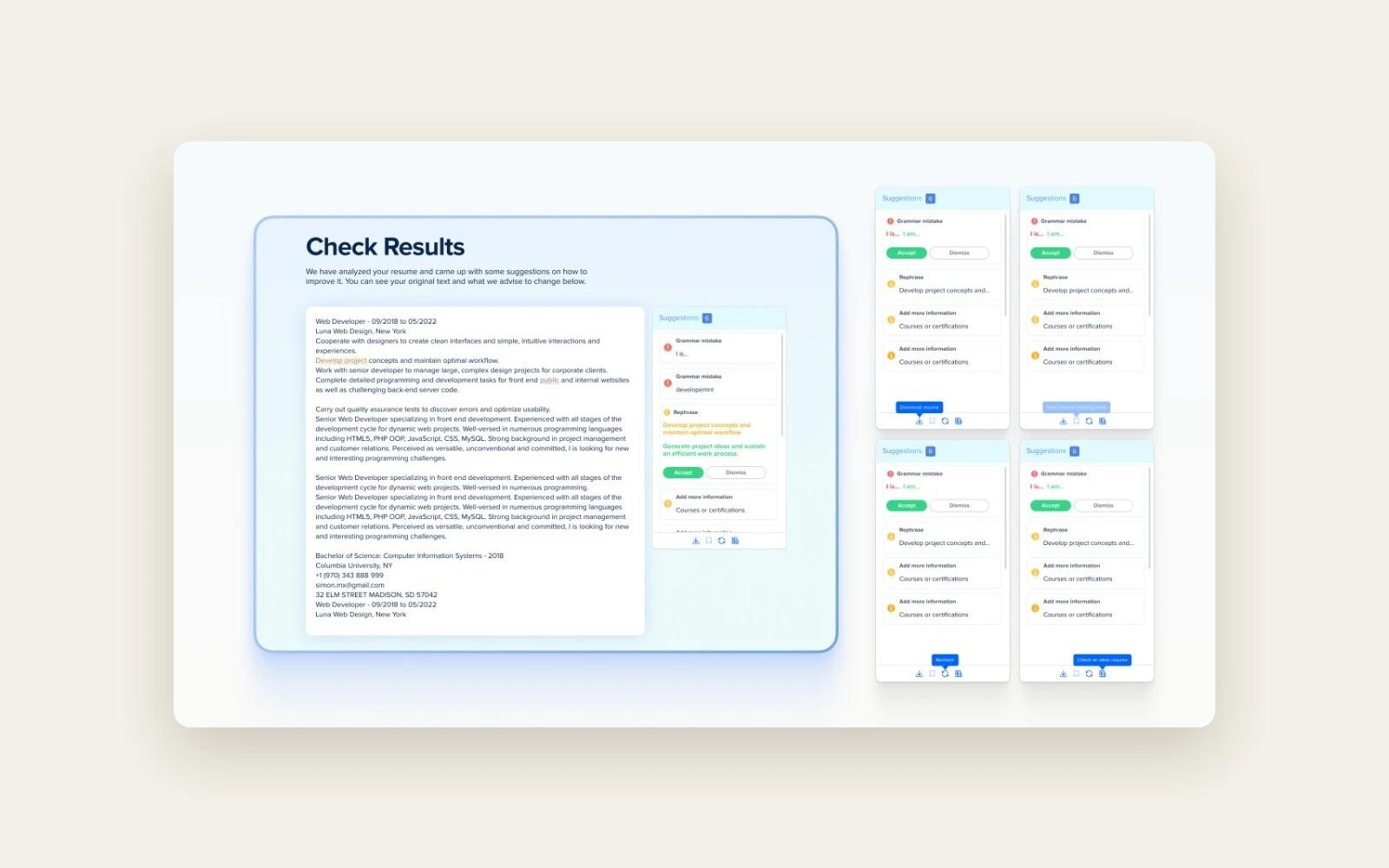
A suggestion could apply to one sentence or several. The editor needed to connect each feedback card to the right passage, highlight it when selected, and let the user see what would change in context.
Keep the resume in sync as edits are made
Reviewing suggestions is an interactive task. As a user worked through the cards and made changes, the editor needed to send updated resume text to the backend without making the user wait for each sync before continuing.
Support different starting points
The app needed to accept a Word file, pasted text or a resume typed into the browser. Optional job details had to fit into that same review flow without becoming a requirement for applicants seeking general feedback.
How we approached it
Design the review around the applicant’s decisions
Barq took the founder’s idea into product design, from first entry through the suggestions screen. The resulting workflow gave users individual feedback cards and explicit controls to apply or dismiss each edit.
Build the review and editing workflow
Barq built the web interface and backend together. The resume analysis produced suggestions, and custom mapping logic connected those suggestions to the text. The interface formatted the feedback and highlighted the selected passage in the resume.
Prepare the service for release
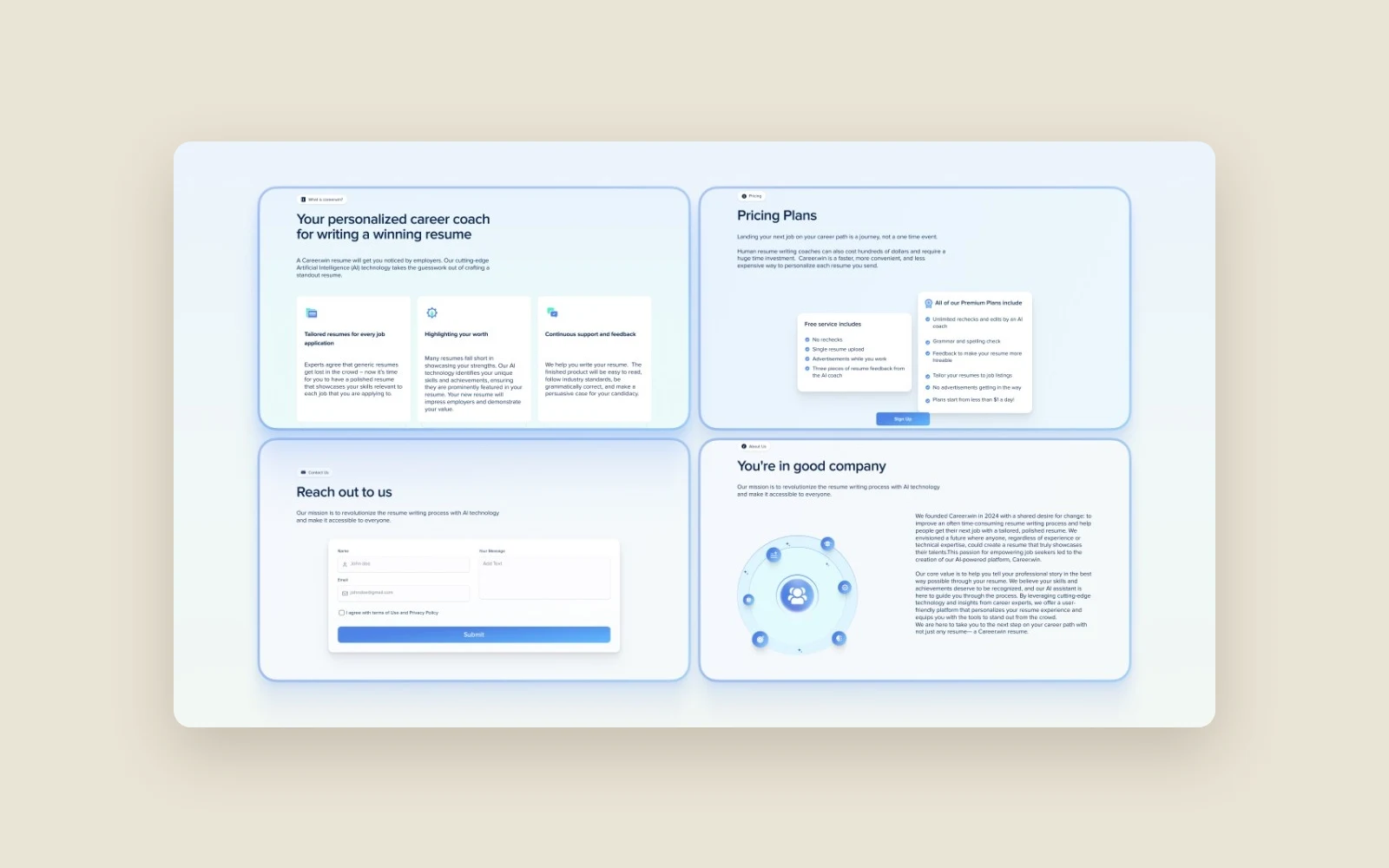
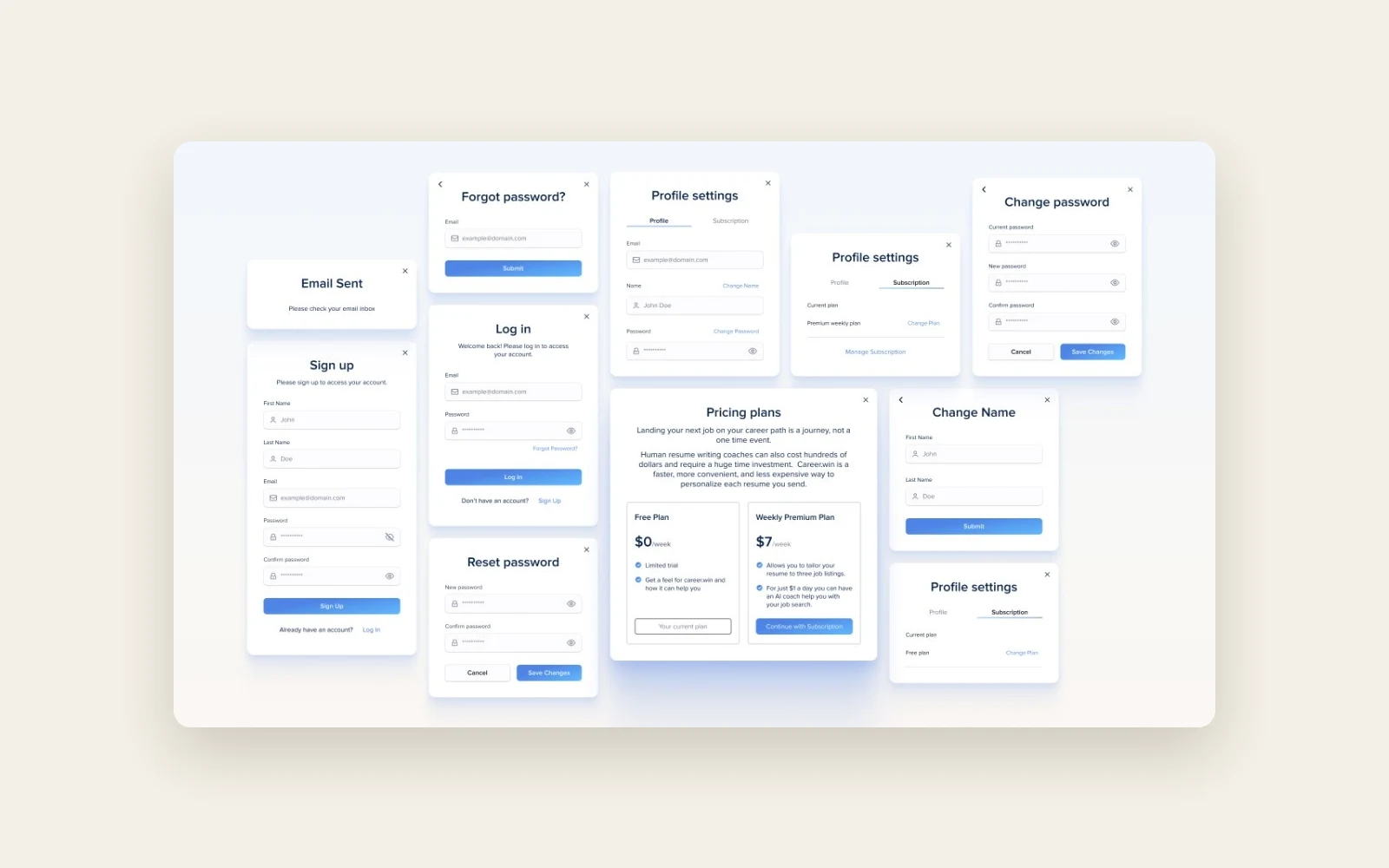
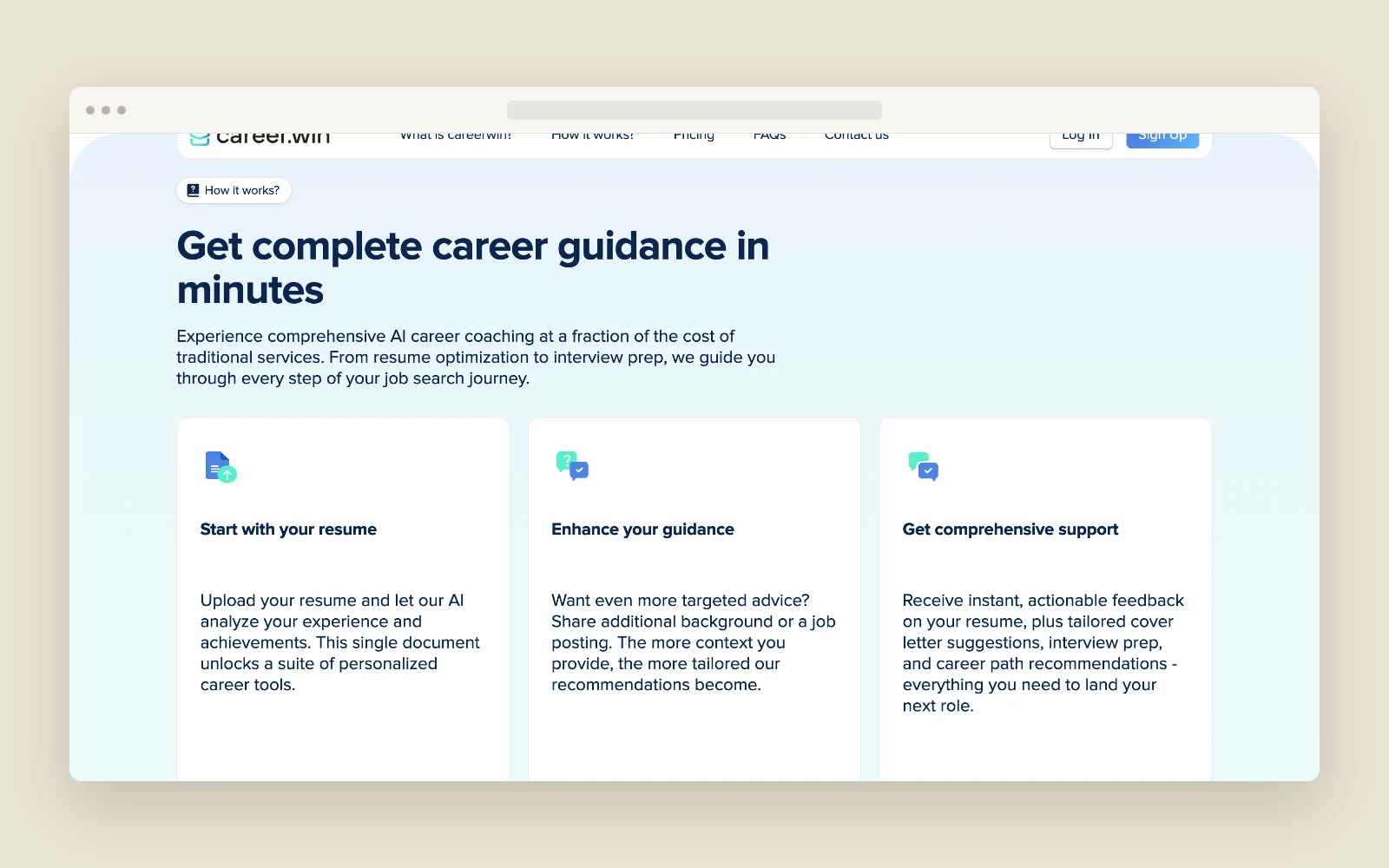
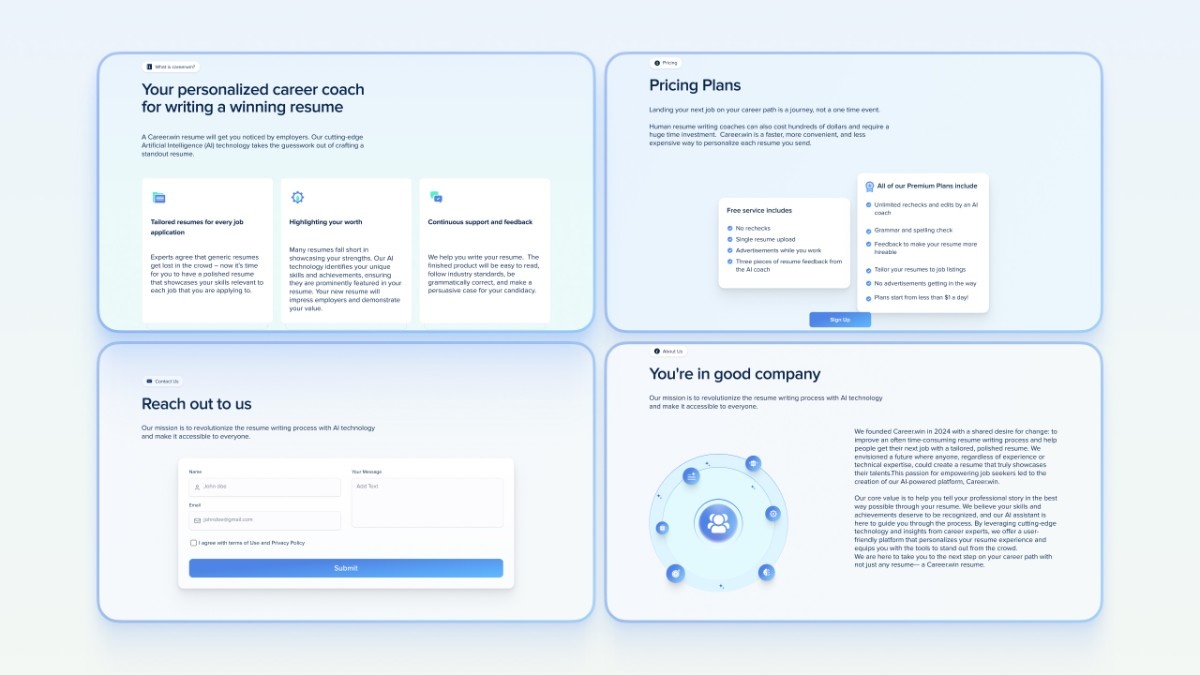
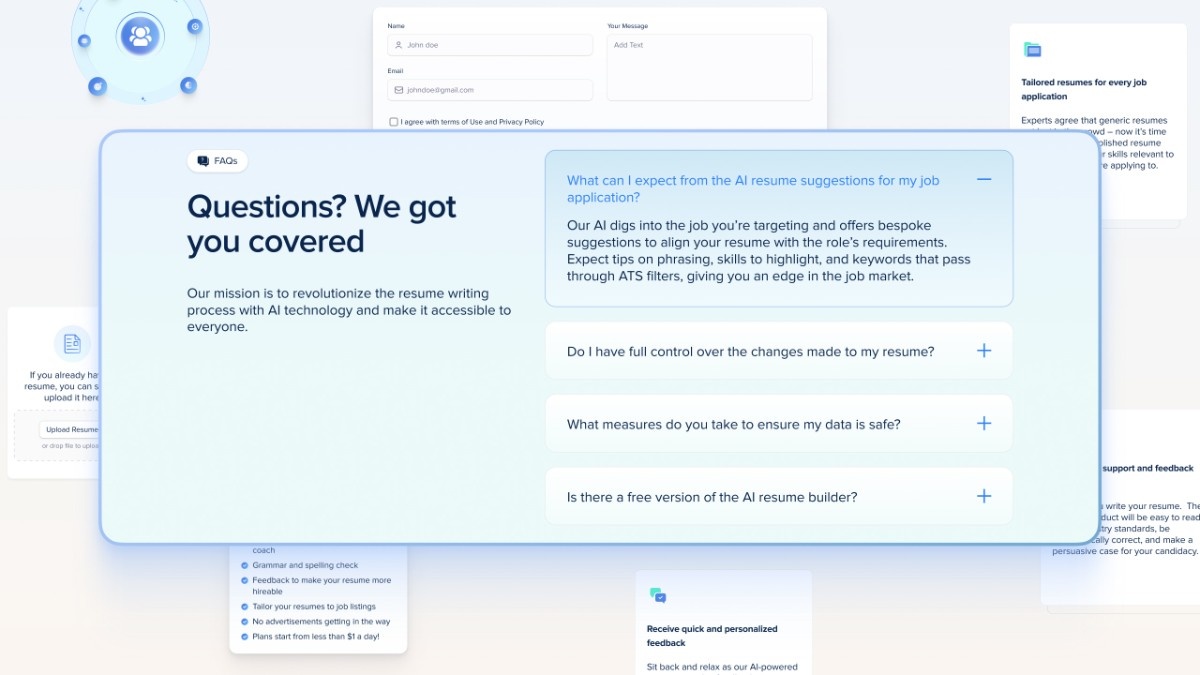
Barq built the account and plan flows, integrated Stripe and deployed the app to the cloud. The public site explained what a free review included and showed the additional guidance available on the premium plan.
What we built
Resume intake
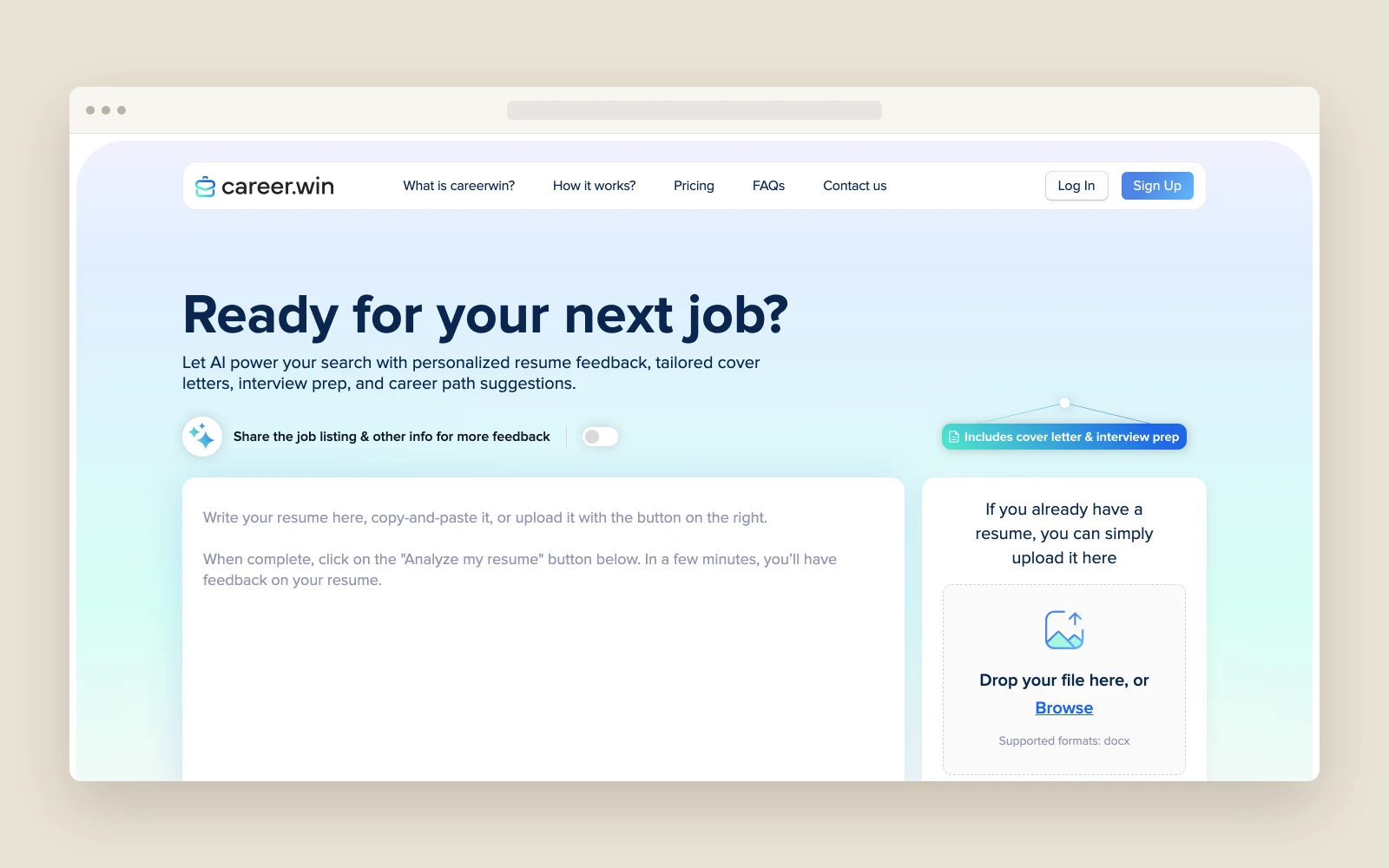
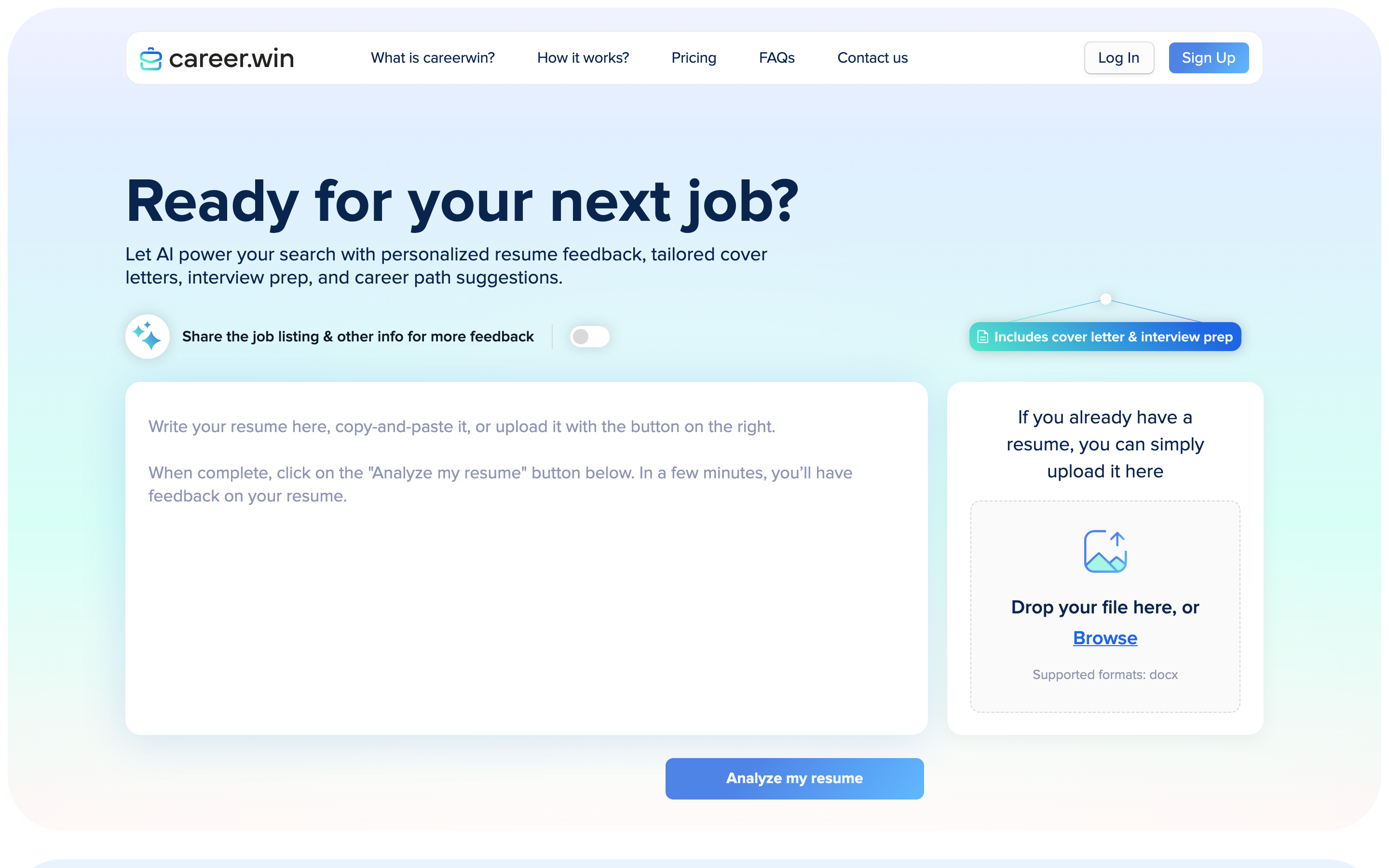
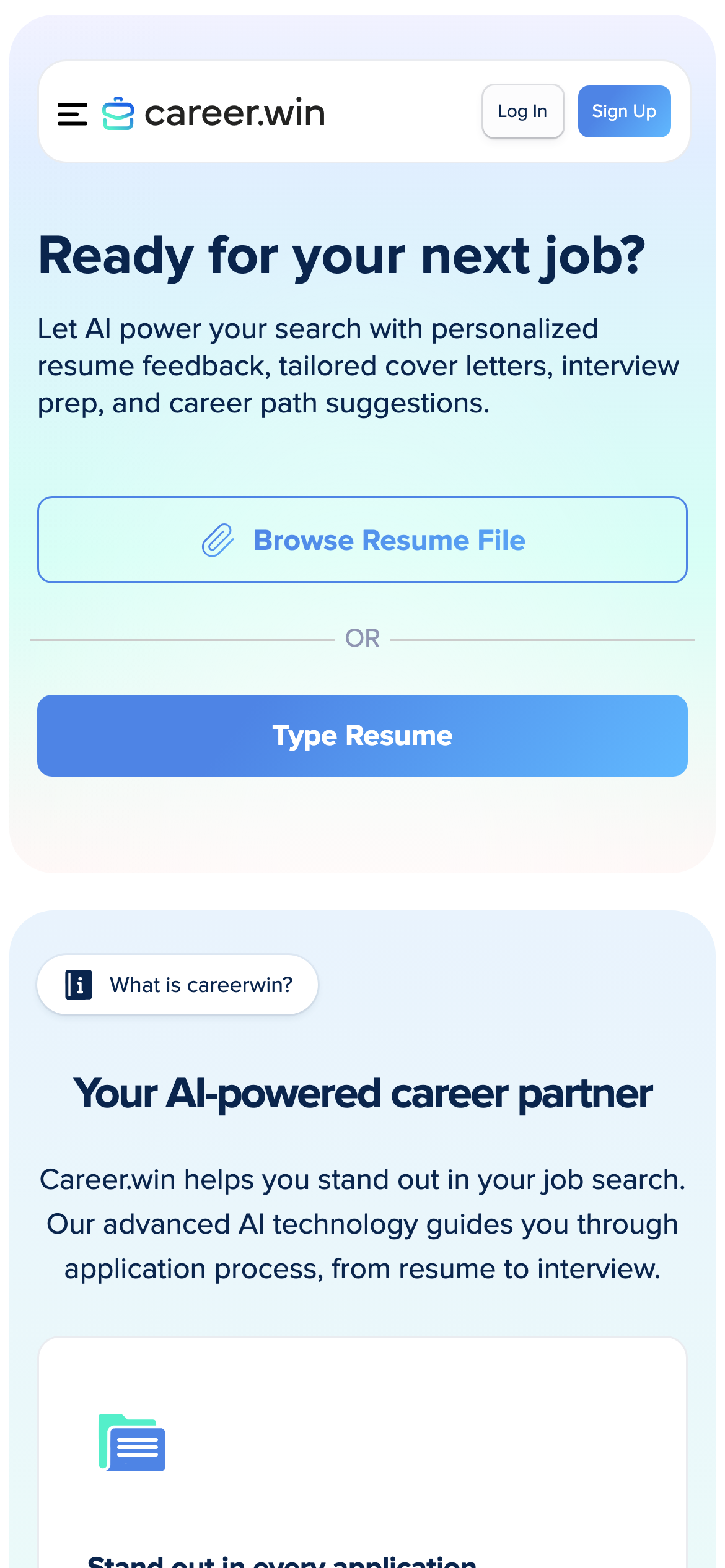
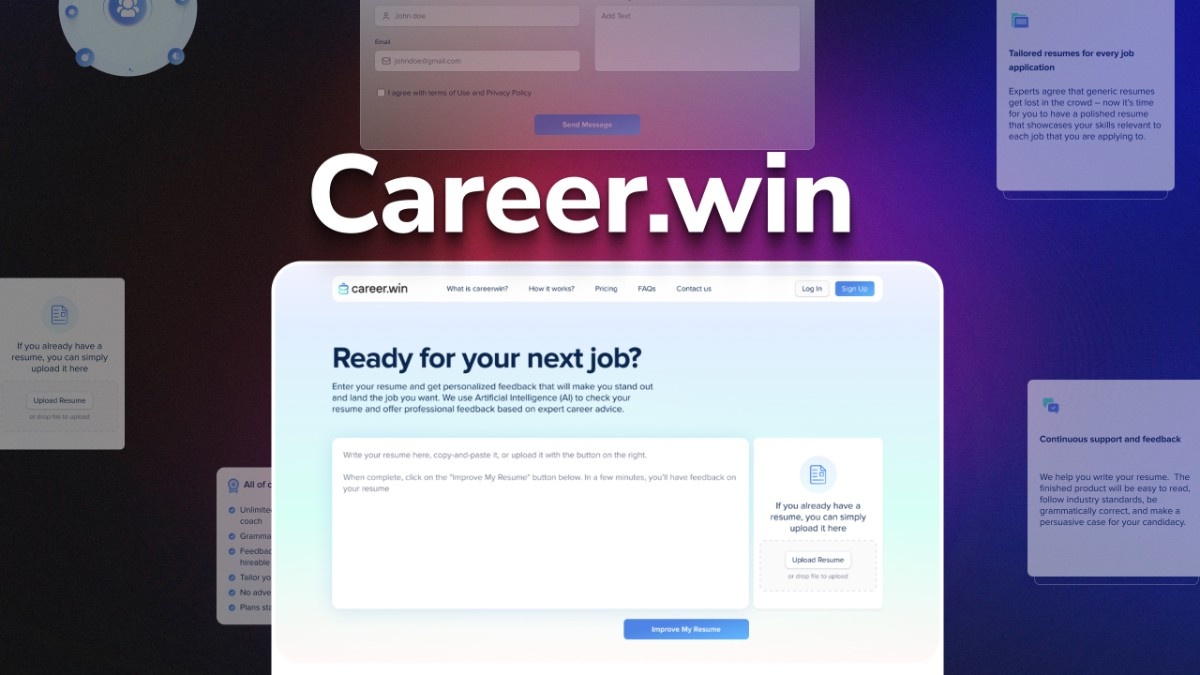
Applicants could write or paste a resume into the form or upload a .docx file. They could add a job listing or other background before sending the resume for analysis.
Resume screening
The app reviewed how applicants described their experience and achievements and returned suggested improvements. When a job posting was present, the feedback could address how the resume presented experience relevant to that role.
Inline editing
Selecting a suggestion highlighted the corresponding passage in the resume. Applicants could inspect the surrounding text, apply the proposed edit or dismiss it, and continue working through the feedback.
Cover letters and interview preparation
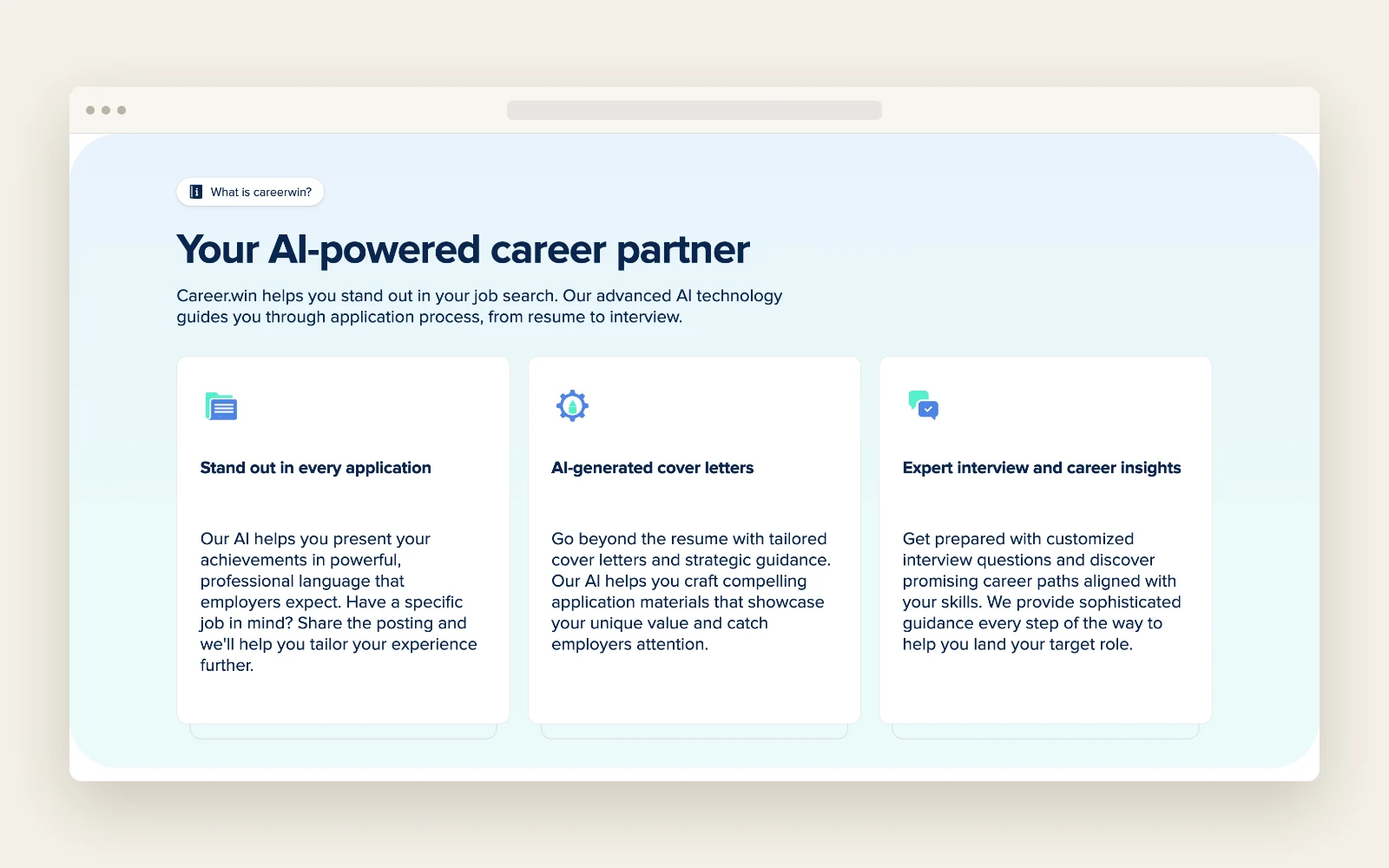
The app provided tailored cover letters and practice interview questions as well as resume feedback. It also offered career path suggestions based on the applicant’s skills.
Accounts and paid plans
Users could sign up, reset their password and manage their profile and plan. The free tier included a limited set of suggestions, and Stripe handled payments for the upgrade.
Where AI fits
The OpenAI API analyzed the resume and proposed improvements, using the job posting as additional context when the applicant supplied one. Career.win’s editor handled the next step. It showed where the feedback applied and let the applicant decide which edits belonged in the resume.
Results
- José received a deployed web app that could take a resume from intake through screening and review.
- Job seekers could apply or dismiss suggestions against the original text in the editor.
- The delivered service supported free review and paid access through Stripe.
Under the hood
The frontend used Next.js and the backend used Python and Django. The suggestions editor used custom mapping logic to pair feedback with the relevant sentences and sent resume text back to the server asynchronously while the applicant worked.
Tech stack
- Next.js
- Python
- Django
- Celery
- Redis
- OpenAI API
- Stripe